Messages module
The messages module is where the Action Audit mobile app user can find all messages sent to them from the Action Plan system.
The module screen looks as follows:
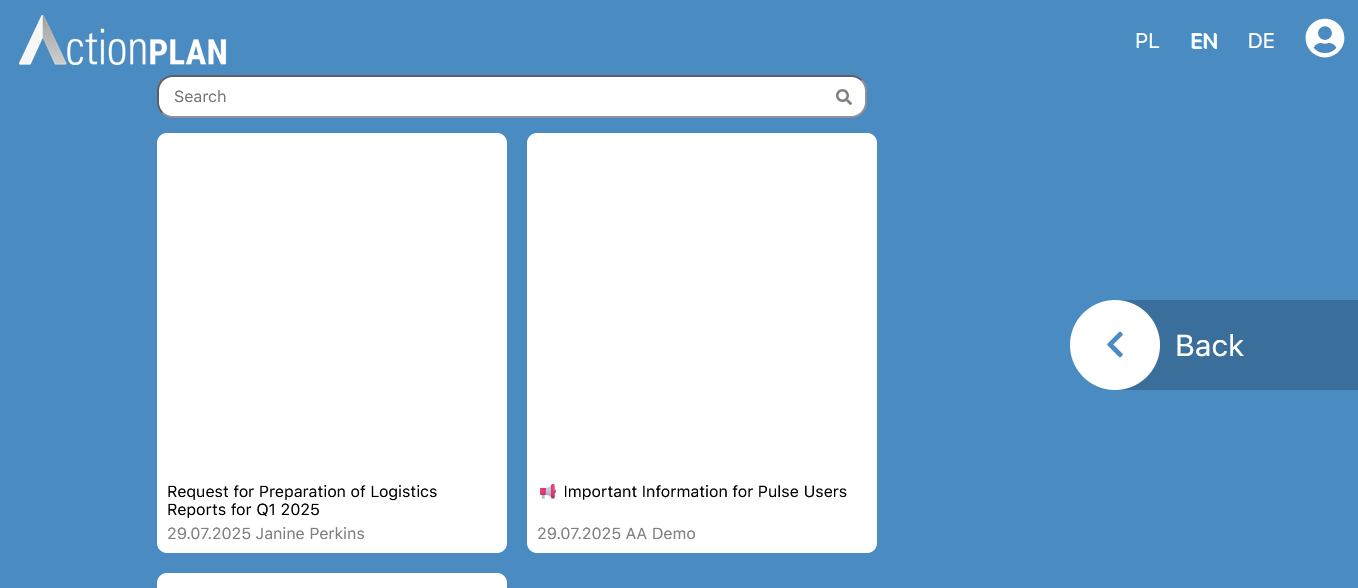
Tiles representing messages and a Back button are visible on the screen, allowing the user to return to the main menu of the Action Booth.
To open a message, click on its tile. After opening the message, details will be displayed:
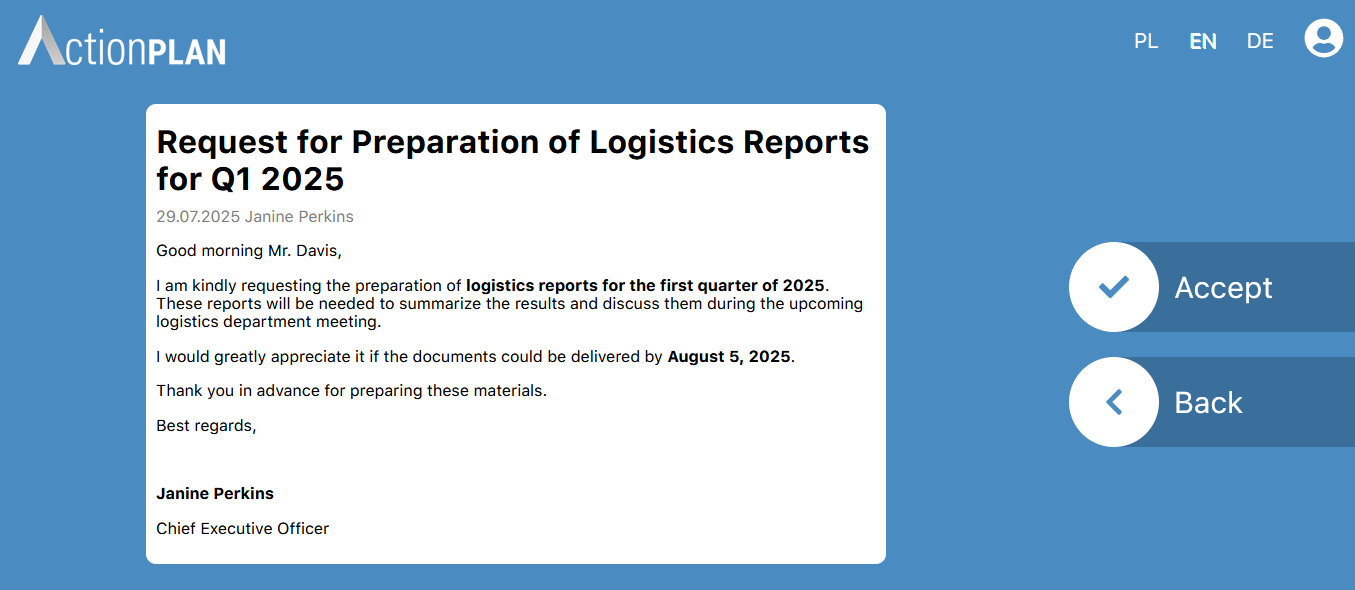
On the right side of the screen, the content of the message is displayed. On the left side, there are two buttons:
- Accept – if the message requires read confirmation, press this button
- Back – a button that allows you to return to the message list
Sending messages
The Action Booth only allows the user to receive messages. To send a message, you need to use the Action Audit application or the mobile application.