

Action Audit updates and changes
August 2026
2026
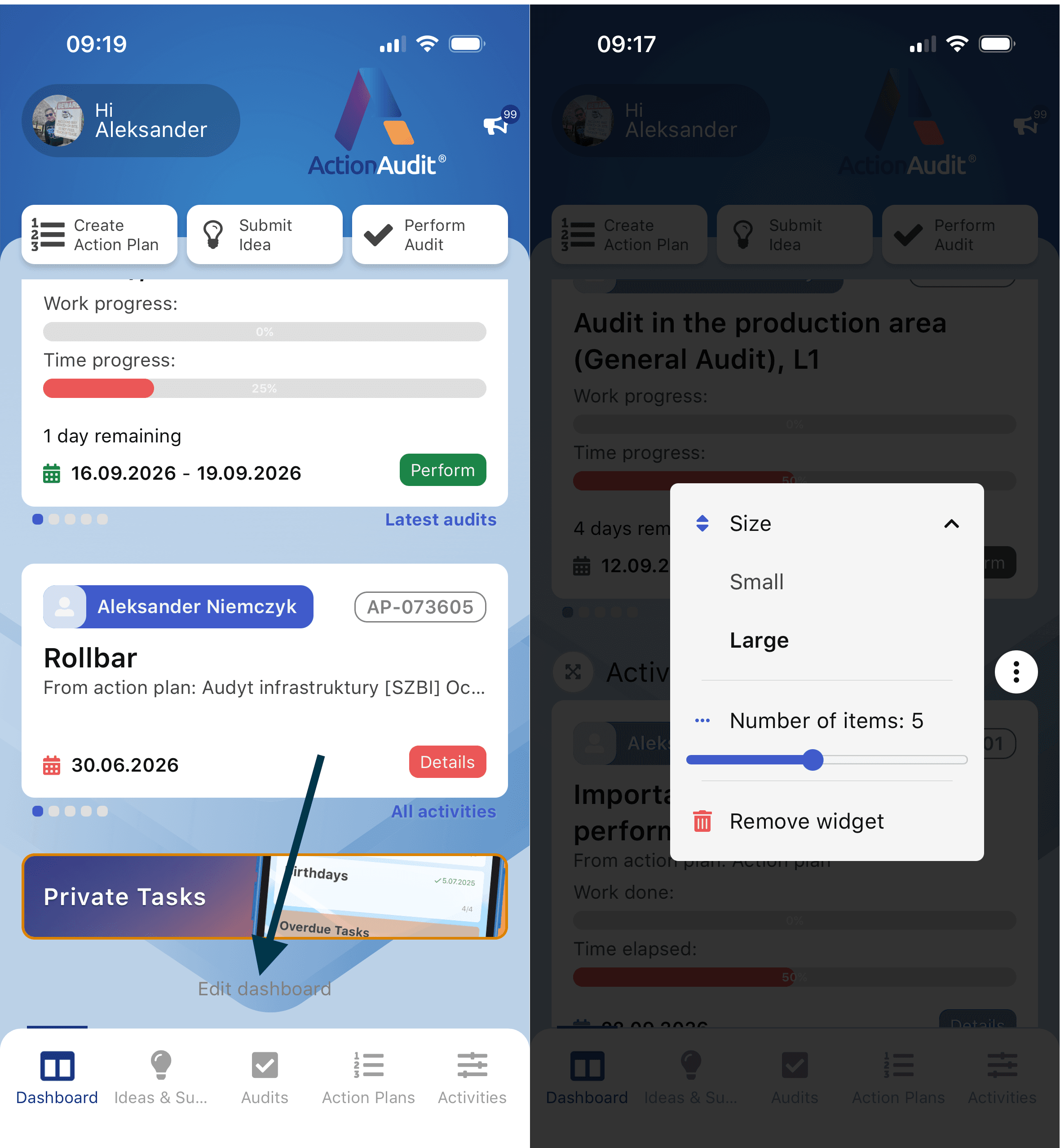
Configurable mobile app dashboard
Feature
Mobile App (2.4)
Simplified start of an ad-hoc audit
Feature
Mobile App (2.4)
Extension of schedules with weekly frequency
Feature
Web Platform (2.47)
Kaizen marketplace of good ideas
Feature
Web Platform (2.47)
Specifying additional escalation recipients
Feature
Web Platform (2.47)
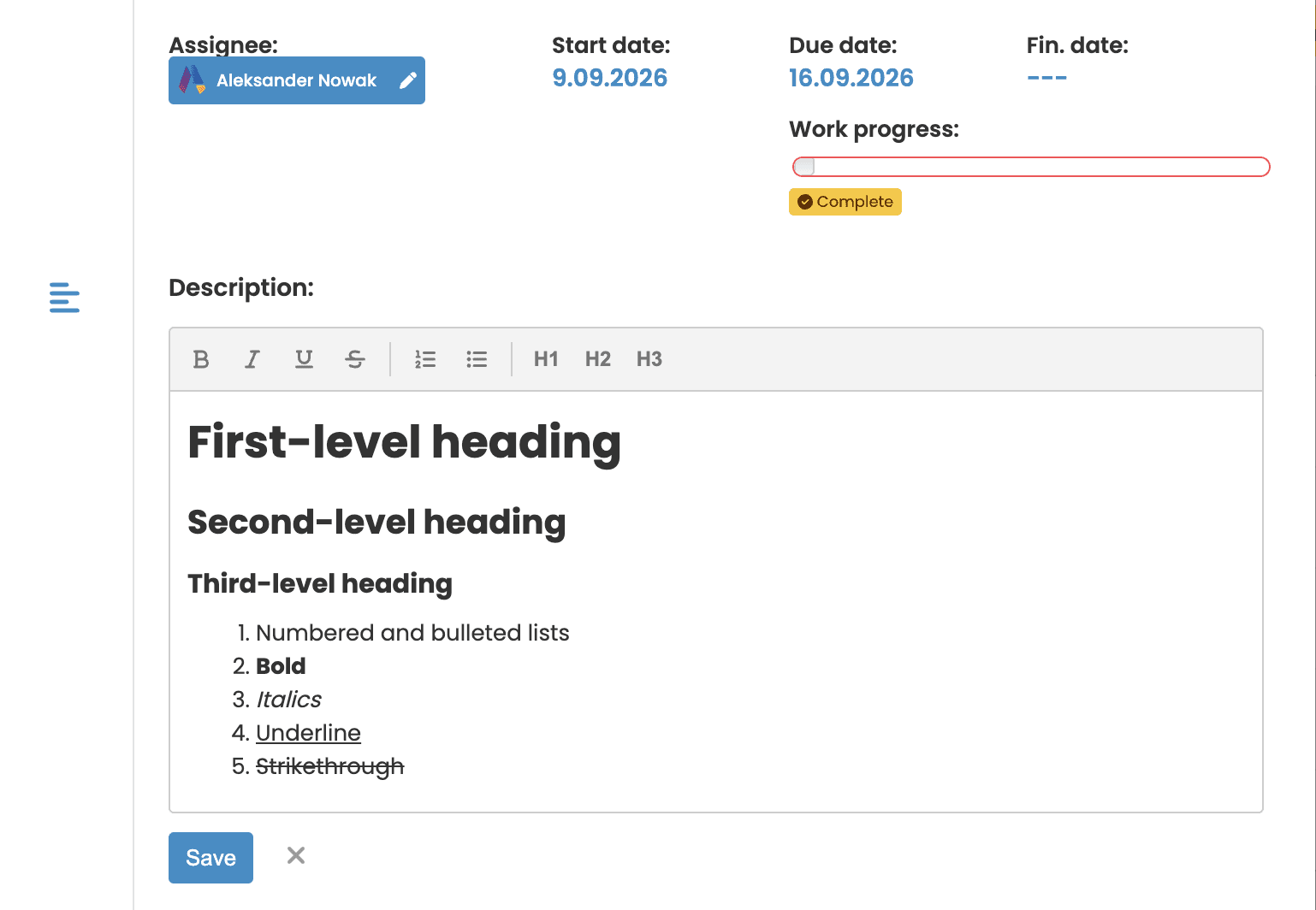
Simple editor in text fields
Feature
Web Platform (2.47)
Mobile App (2.4)
New rating scale - auxiliary questions
Feature
Web Platform (2.47)
Mobile App (2.4)
Audit with a subset of checklist questions
Feature
Web Platform (2.47)
Mobile App (2.4)
July 2026
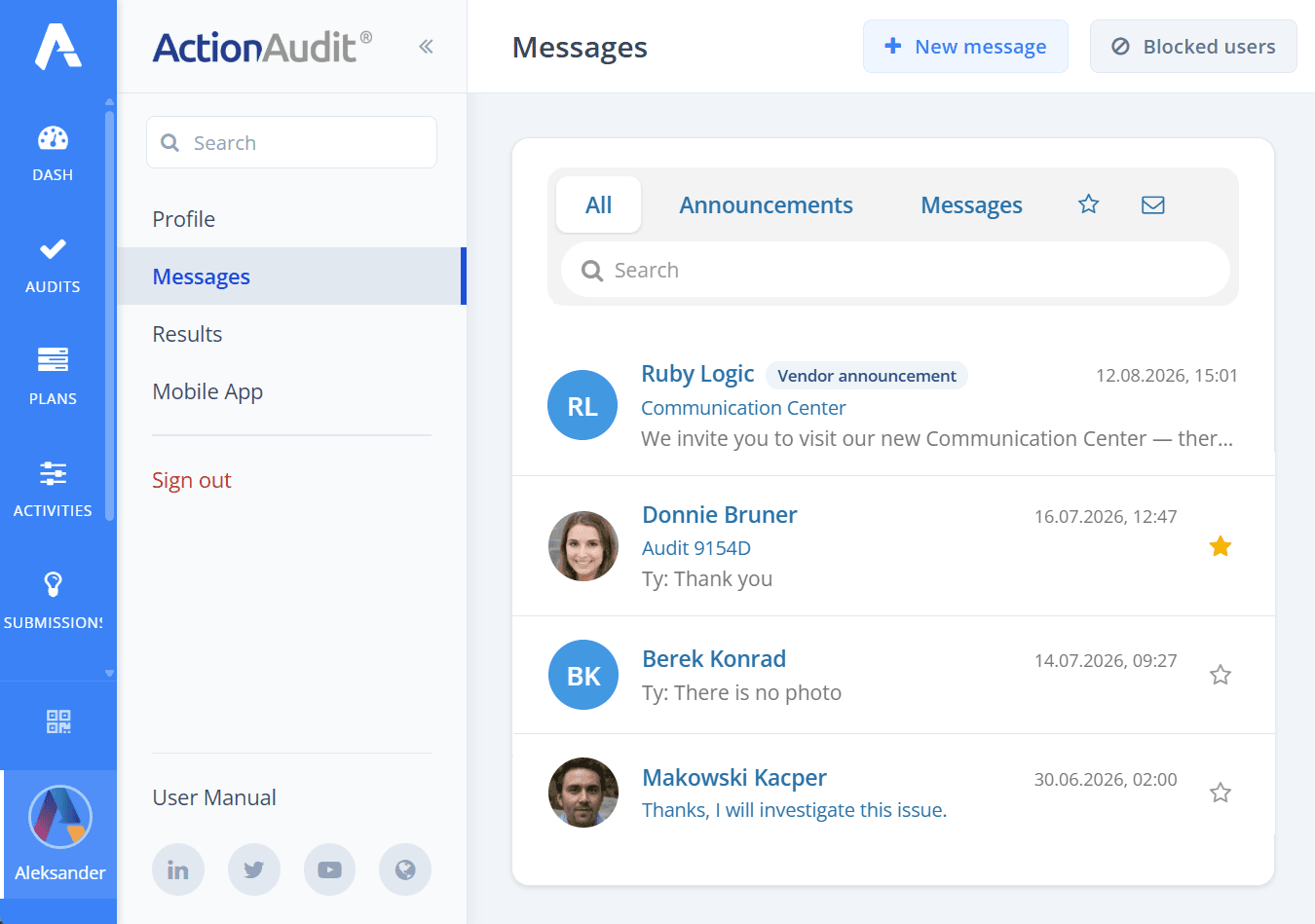
Communication Hub
Feature
Web platform (2.46)
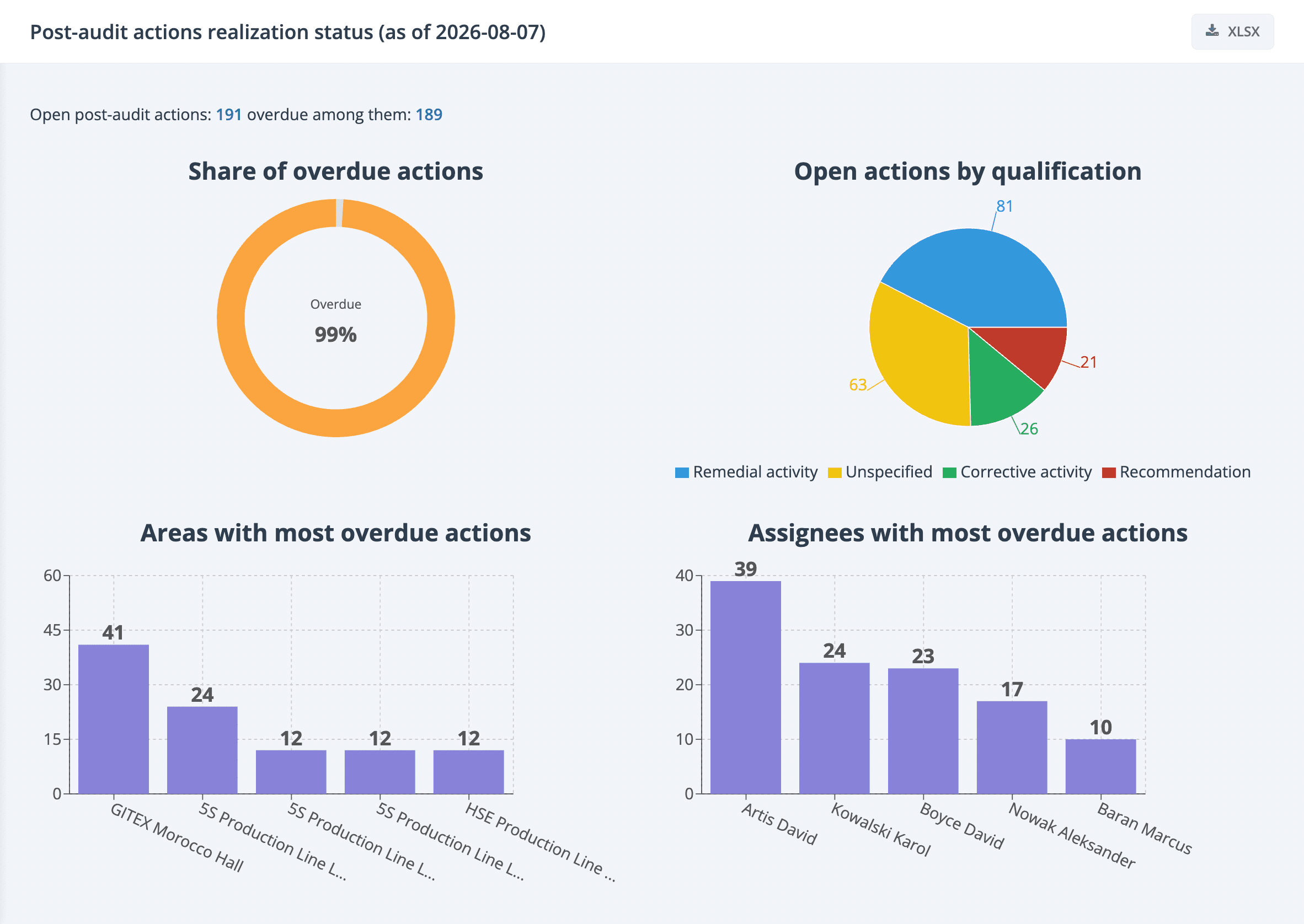
More comprehensive and visual Corrective Action Implementation Report
Feature
Change
Web platform (2.46)
- Share of overdue corrective actions in the total number of corrective actions,
- Breakdown of post-audit actions into corrective actions, corrections, and recommendations,
- TOP audit zones with the highest number of overdue actions,
- TOP responsible persons with the highest number of overdue actions,
- List of open corrective actions - paginated on the page, in its entirety in the XLSX file.
NOTE: Along with the introduction of the new report, the format of the previous report and its name have changed - the new name is Action Responsible Diligence Report.
Expansion of the audit list export with additional columns
Feature
Web platform (2.46)
Effect of implementing a change - a new attribute of the Kaizen idea
Feature
Web platform (2.46)
Mobile app (2.3)
Quick preview of the answer from the previous audit
Feature
Mobile app (2.3)
Dynamic report menu in the audit module
Feature
Web platform (2.46)
Ability to log an absence without designating a substitute
Feature
Web Platform (2.46)
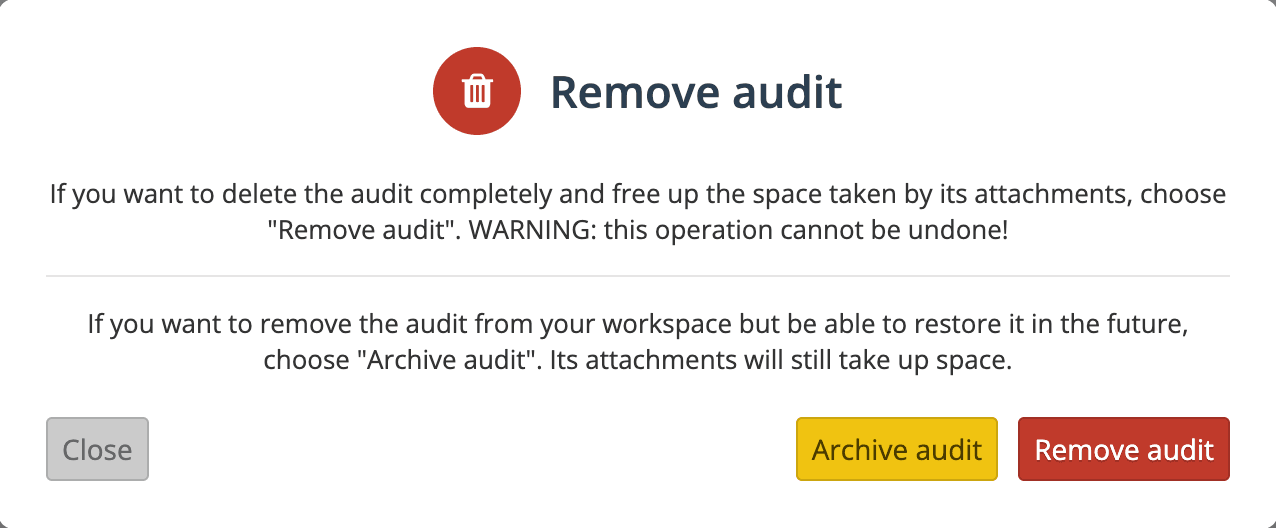
Two levels of deletion for audits, submissions, and engineering changes
Feature
Web Platform (2.46)
- Archiving - the object disappears from the system but is not removed from the database - it can be restored, but its attachments still occupy available storage space.
- Permanent deletion - the object disappears both from the system and from the database - the storage space is freed, but the data cannot be recovered.
More details in the LPA Report
Feature
Web Platform (2.46)
Protection against bots registering through the mobile app
Security Improvement
Mobile App (2.3)
June 2026
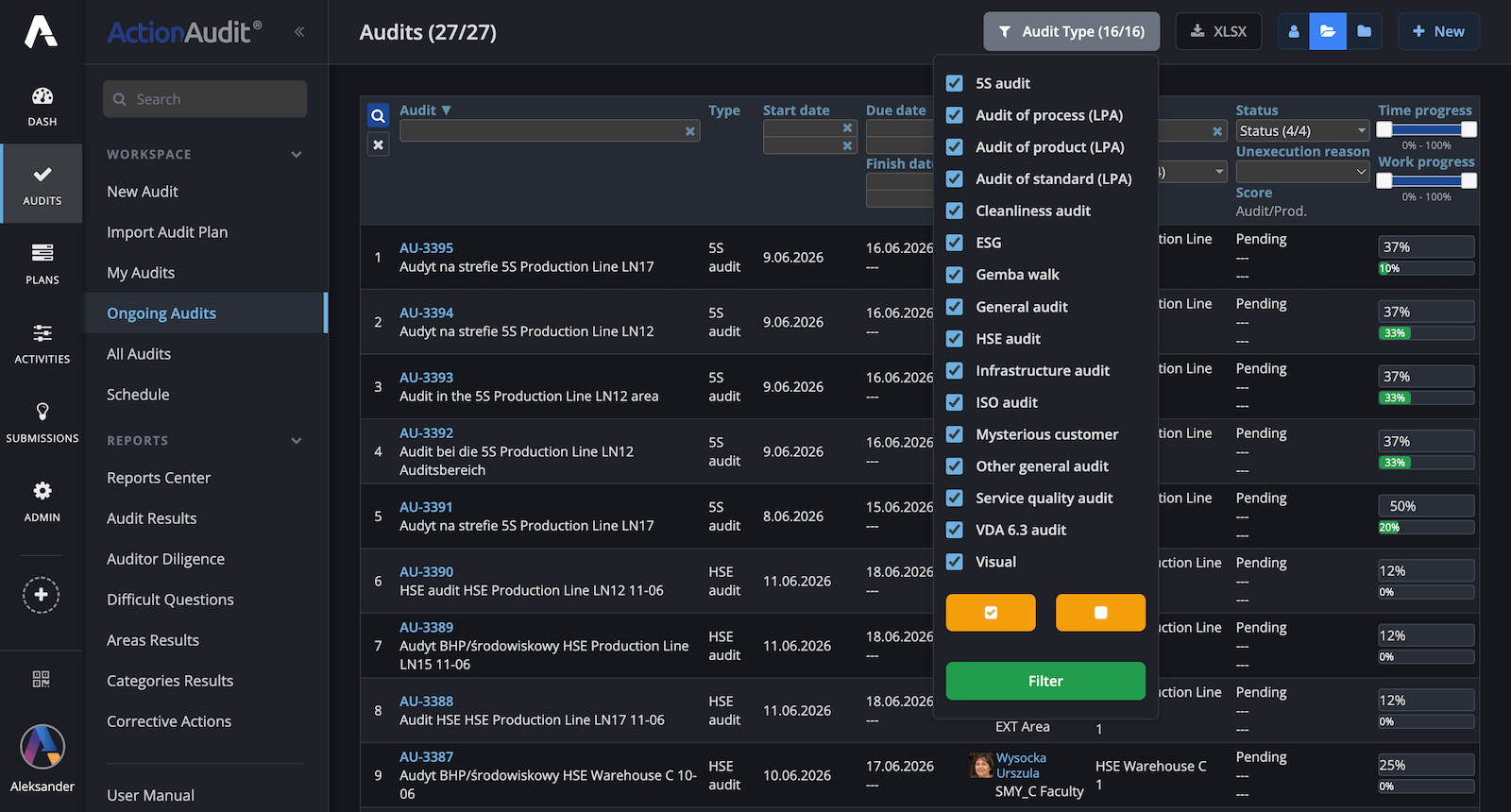
AI-powered report generator
Feature
Web Platform (2.45)
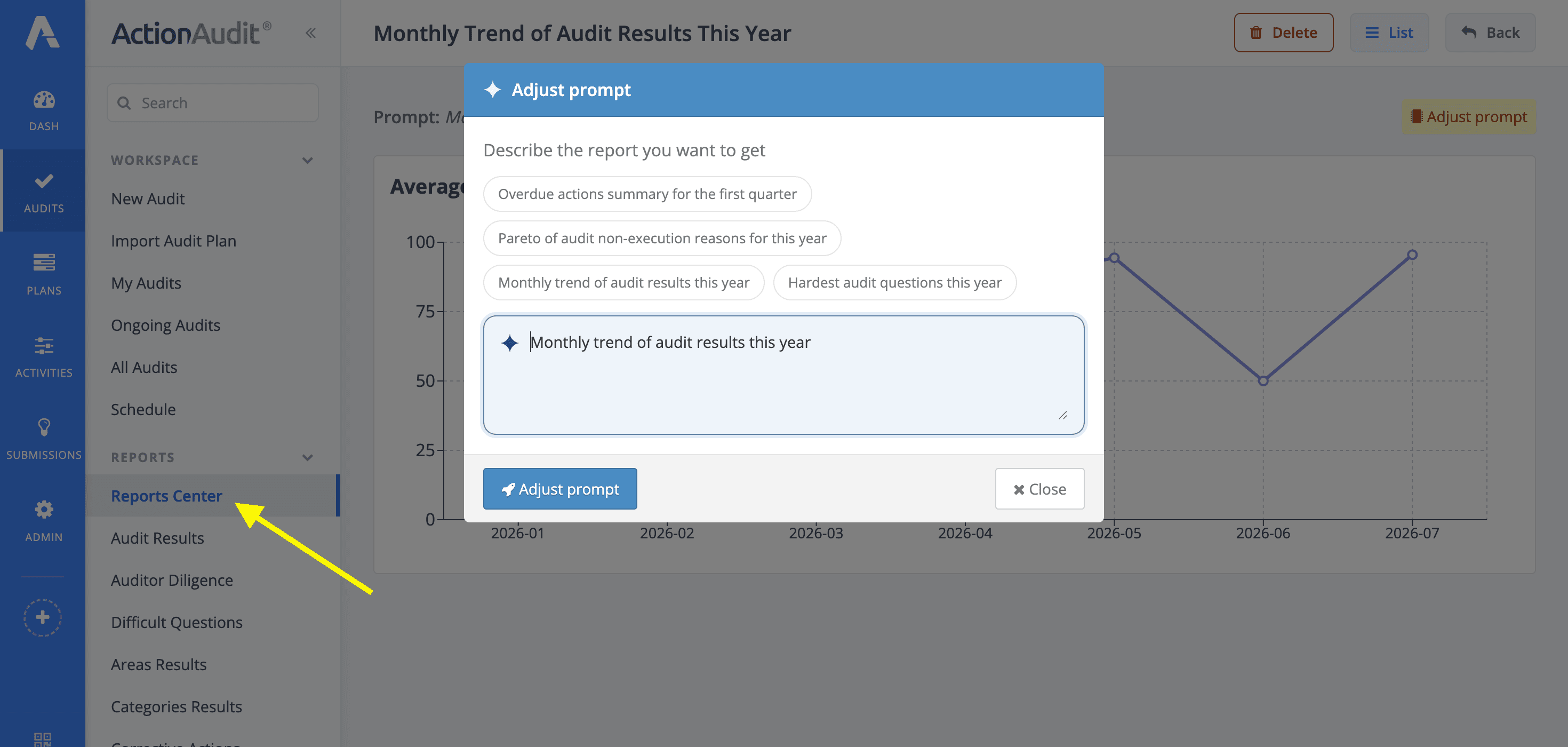
Bulk parameter updates
Feature
Web Platform (2.45)
Access to the previous audit for every auditor
UX Improvement
Web Platform (2.45)
Mobile App (2.2)
Ability to specify the second auditor
Feature
Web Platform (2.45)
This change makes it possible to specify the second auditor manually. It is available in 3 places: the new audit creation form, the audit plan importer, and the audit area schedule.
Two improvements to reports in the audit module
Feature
Web Platform (2.45)
2) In the Auditor Diligence and Corrective Action Status reports, we added links leading to pre-filtered lists of Audits and Actions respectively.
May 2026
Dark mode on the web platform
Feature
Web Platform (2.44)
Migration from reCAPTCHA to Cloudflare Turnstile
Change
Web Platform (2.44)
Technology update - improved security and performance
Change
Web Platform (2.44)
Improved navigation between action plans
UX Improvement
Mobile App (2.2)
New terms and new privacy policy
Significant Change
Web Platform (2.44)
Mobile App (2.1)
The first login to the web platform or mobile app will require accepting the first two documents. The third one applies to individuals, companies, and other organizations registering a new service instance.
More information in the billing panel
Feature
Web Platform (2.44)
Links to contextual video tutorials
Feature
Web Platform (2.44)

Better availability of attachments and comments in nested action plans
UX Improvement
Web Platform (2.44)
April 2026
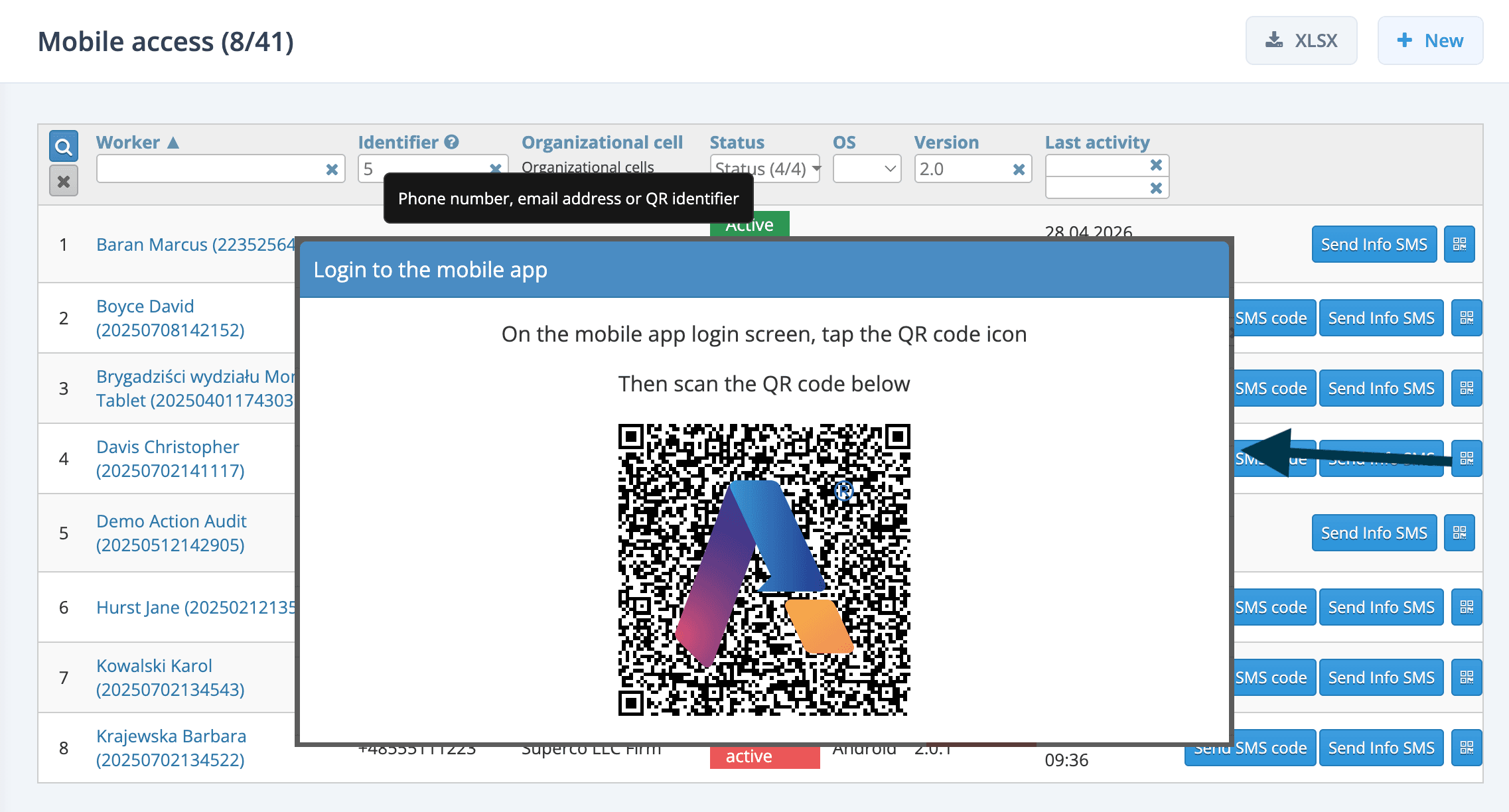
Easier mobile app login
Feature
Web Platform (2.43)
Mobile App (2.1)
The new feature allows creating phone-based access without inventing non-existent numbers, and instead of communicating an activation code, the employee scans a QR code on the screen of the person managing access.
The new feature is especially important for organizations that want to engage their entire team in submitting innovative ideas, risk information, or potential accident event reports.
Multi-select filter for short dictionaries
Feature
Web Platform (2.43)
- Audit list -> parameters: Status and Layer
- Action list -> parameters: Stage and Qualification
- Administration -> Users -> parameters: Status and Role
Audit area tags
Feature
Web Platform (2.43)
PDF file preview
Feature
Web Platform (2.43)
Mobile App (2.1)
Technology update
Change
Web Platform (2.43)
Mobile App (2.1)
March 2026
It's the end of Pulse! :-(
Change
Significant Change
Mobile App (2.0)
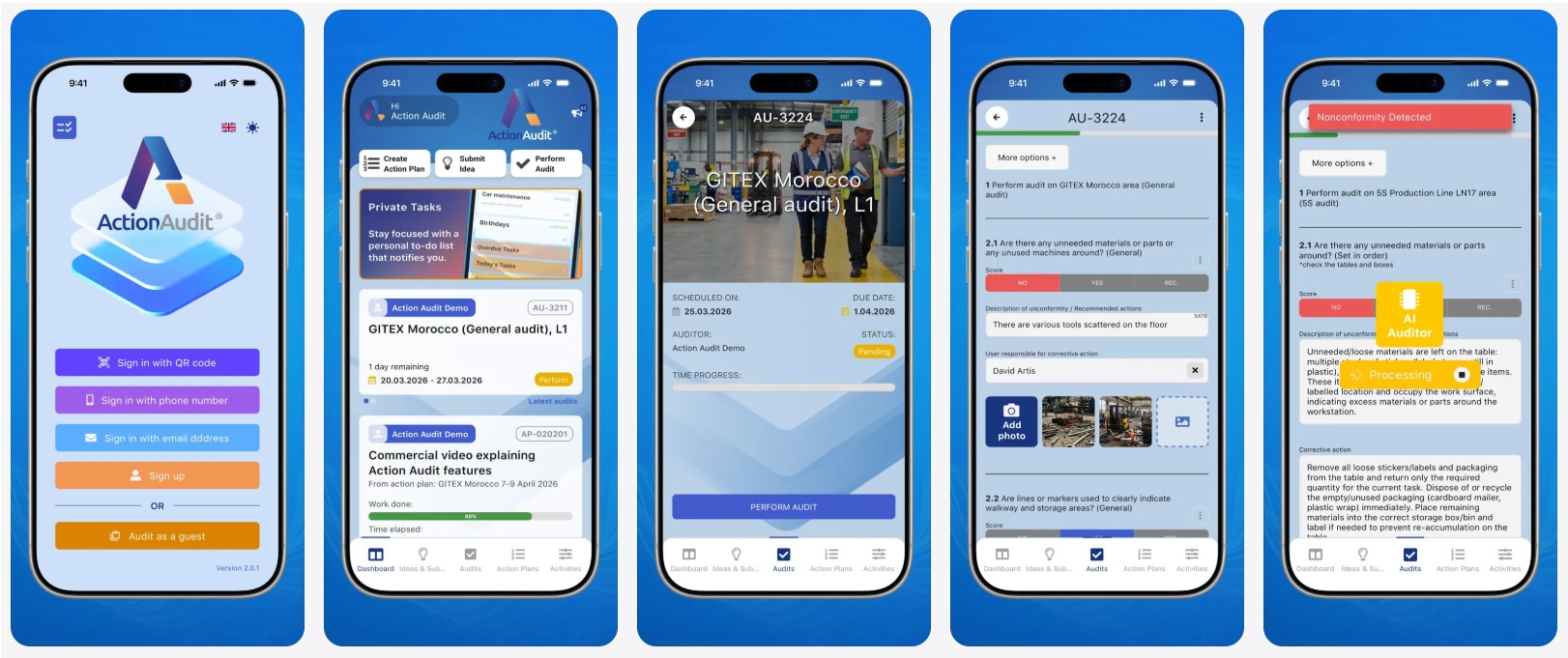
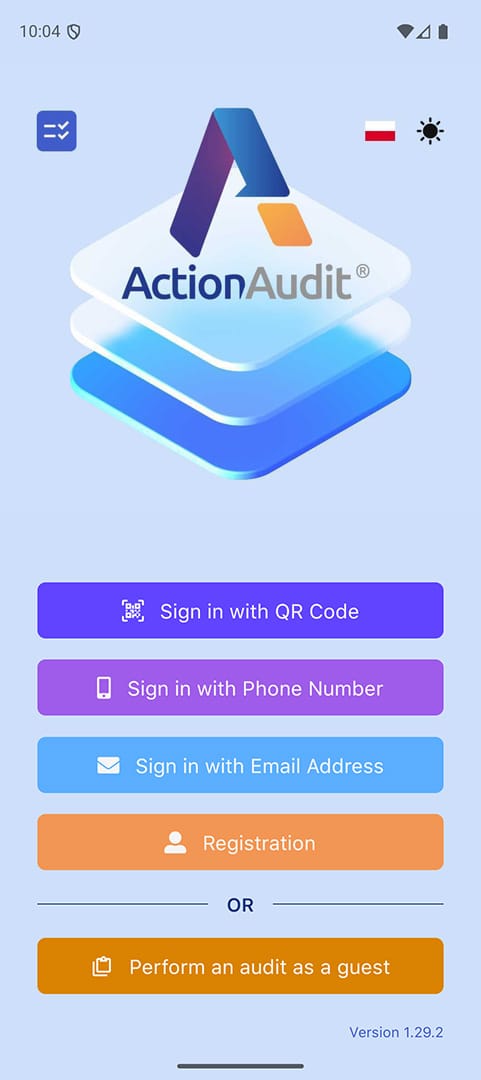
Not only the name has changed, but also certain graphical elements. The new Action Audit mobile app looks like this.
Three extremely important features extending audit form capabilities
- Adding questions outside the checklist during an audit,
- Optional Second Auditor drawing
- Launching action template handling during an audit
[1] Adding questions outside the checklist: A new toggle Adding questions during audit has appeared on the audit area edit form. When enabled, the auditor can add questions that are not on the list and provide answers during the audit.
[2] Second Auditor Drawing This feature available in the schedule allows activating the drawing of a second person to conduct the audit. Moreover, the second auditor can serve only as an observer (view-only permissions), but can also conduct the audit on behalf of the main auditor (full permissions).
[3] Launching action template handling during an audit: This is an extremely advanced feature that allows connecting two Action Audit modules that previously operated independently - the Audits module and the Submissions module. Everything starts on the checklist edit form, where the person administering the audit module can specify the non-compliance or suggestion handling path based on one of the templates: innovative idea assessment, risk qualification, potential accident event report handling, and action execution according to the action plan template.
Two changes for GITEX Africa 2026: 5 free AI analyses and French language version
Feature
Pulse (1.31)
Web Platform (2.42)
- a French language version of the system, for both the web platform and the mobile app,
- the ability to perform up to 5 free analyses with artificial intelligence support in audits conducted as a guest.
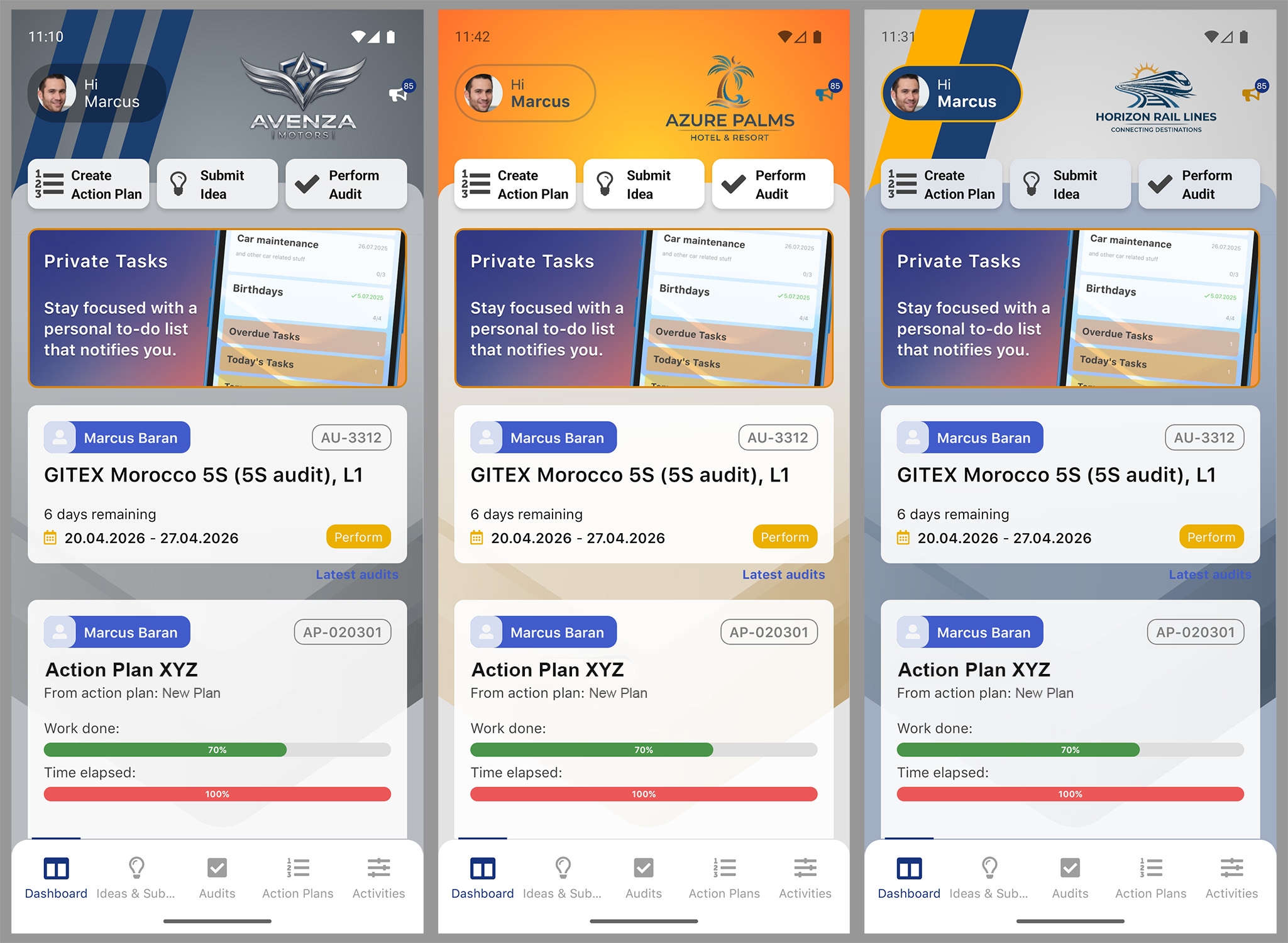
Custom mobile app branding
Feature
Mobile App (2.0)
- add a company logo displayed in the mobile app interface,
- define accent colors consistent with the organization's branding.
Audit area reports - with or without archived areas
Feature
Web Platform (2.42)
Display of task completion date and time within an action
Feature
Web Platform (2.42)
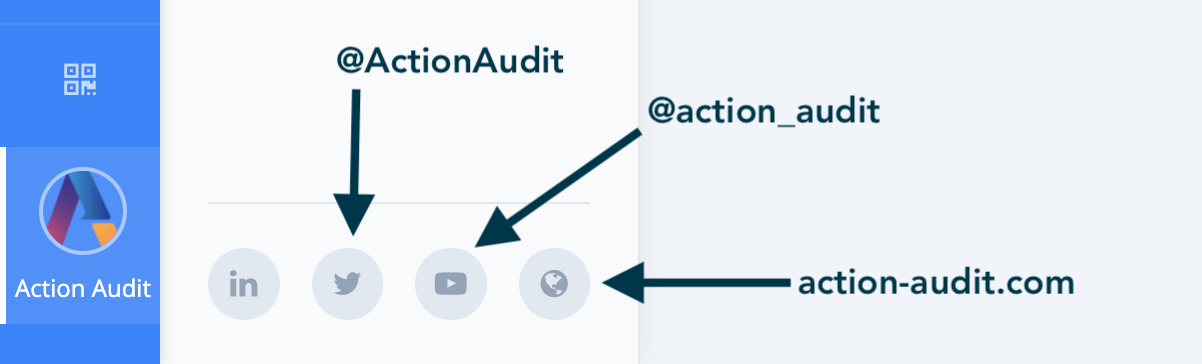
Social media profile links
Feature
Web Platform (2.42)
AI Auditor Mode Switch
Feature
Pulse (1.31)
Web Platform (2.42)
The feature is also available when obtaining corrective action suggestions both in the Pulse app and on the Web Platform.
Optimization of organizational structure management
Feature
Web Platform (2.42)
February 2026
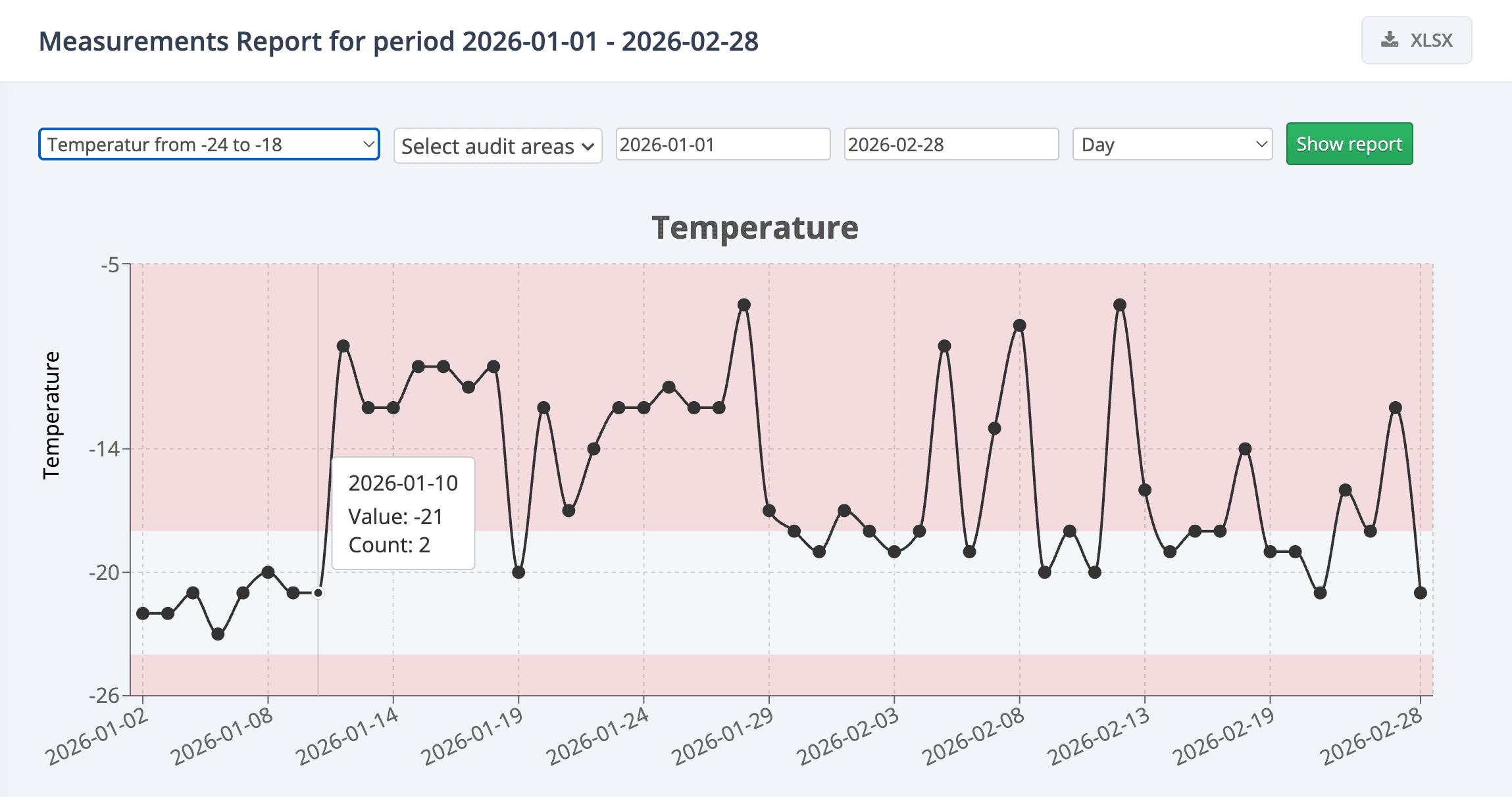
Measurements Report
Feature
Web Platform (2.41)
More weekly and monthly frequencies
Change
Web Platform (2.41)
Non-photo and non-video attachments
Feature
Pulse (1.30)
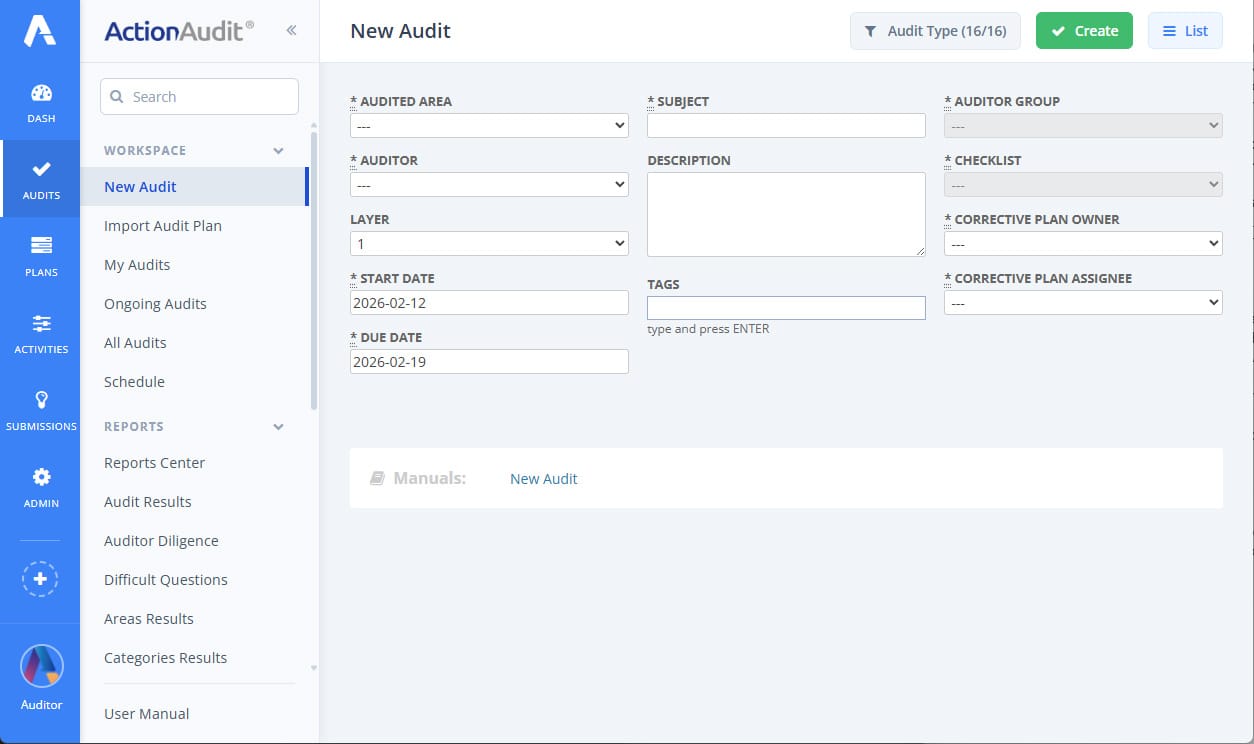
Change to the new audit creation form layout
Change
Web Platform (2.41)
Comments to Audit Answer
Feature
Pulse (1.30)
Non-Compliance Handling – New Rating Scale Parameter
Feature
Web Platform (2.41)
Introduction of a Second Compliance Threshold
Feature
Web Platform (2.41)
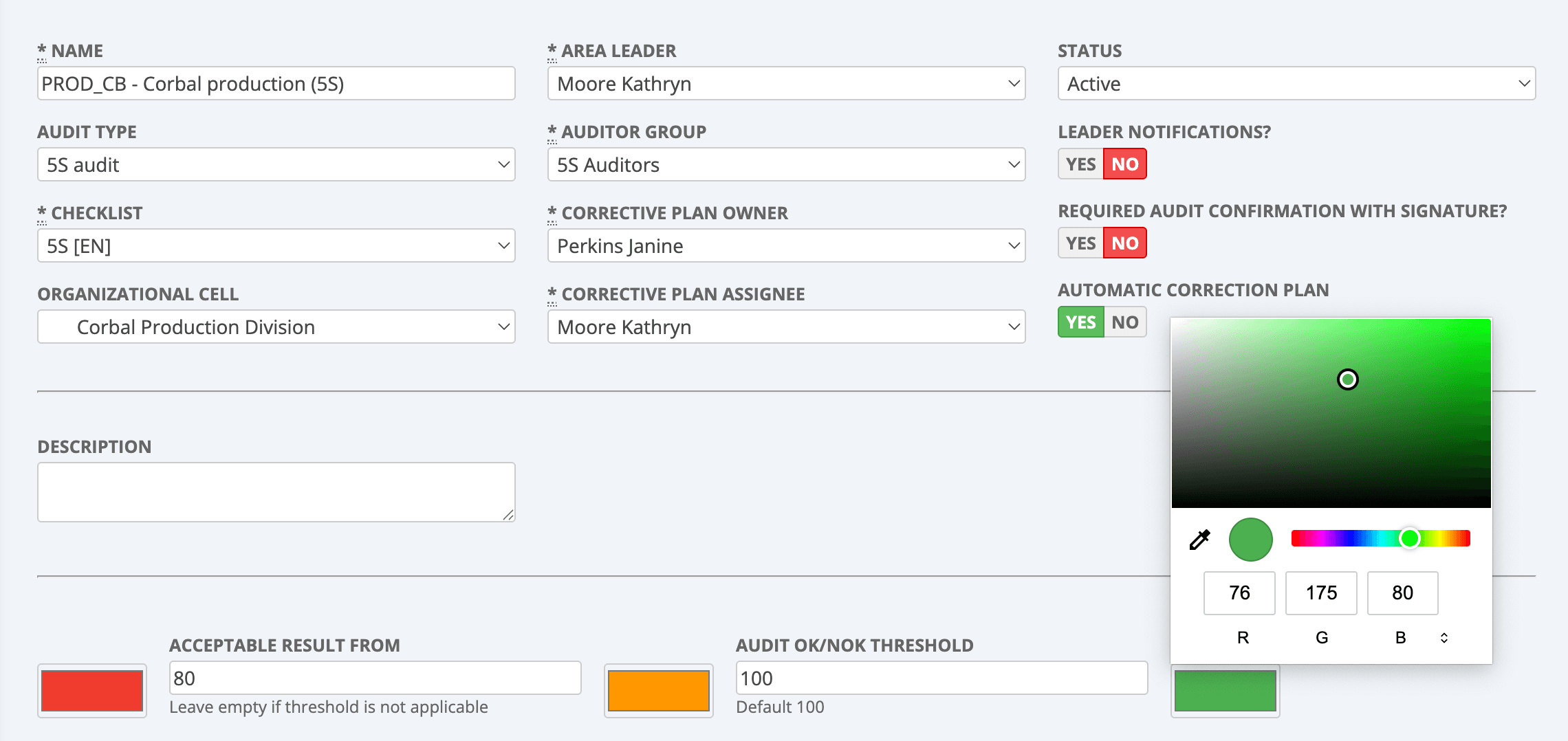
Three-state switch for audit area statuses
Feature
Web Platform (2.41)
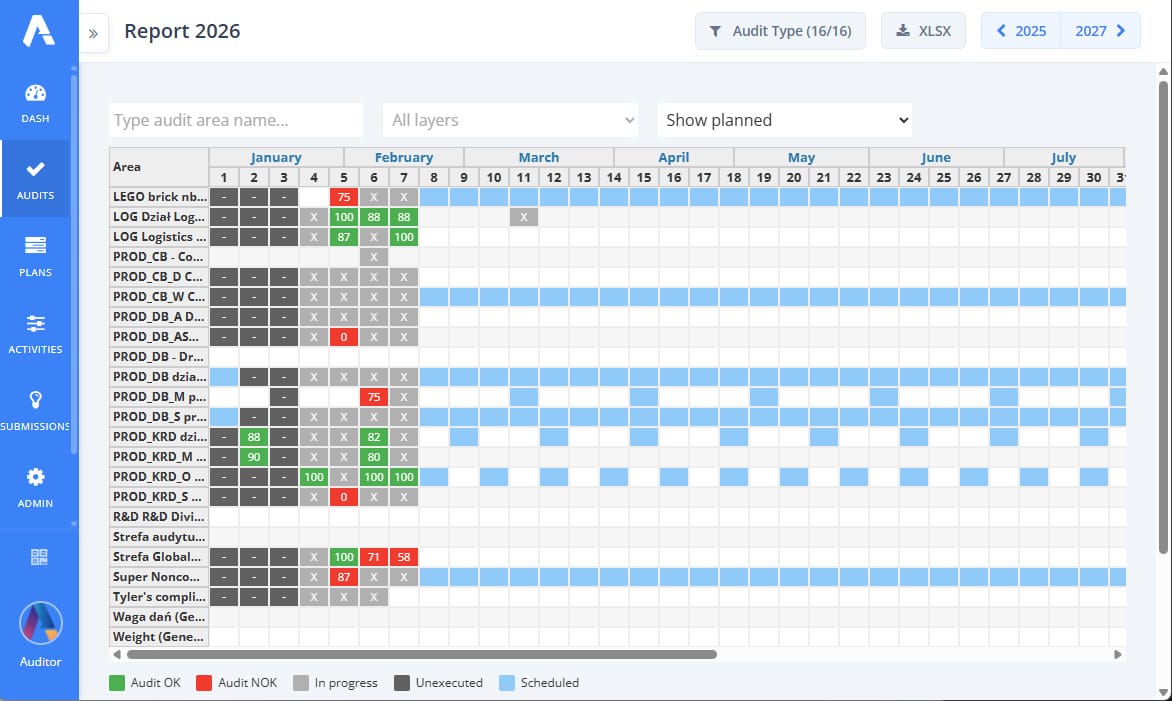
Including planned audits in the Audit Results report
Feature
Web Platform (2.41)
Unified audit status colors in reports
Significant Change
Web Platform (2.41)
Display of the source template name for action plans
Feature
Web Platform (2.41)
Removal of the Analyst role
Change
Web Platform (2.41)
January 2026
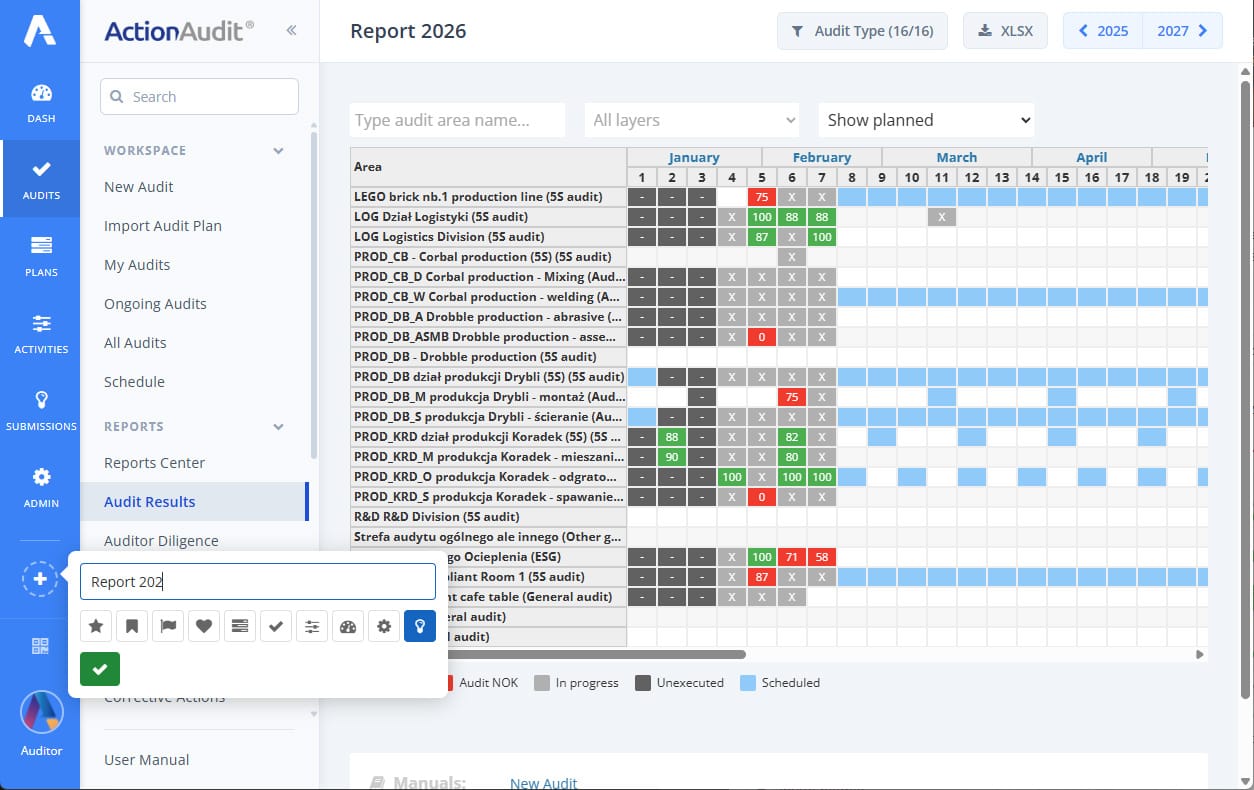
Header and left menu layout change
Significant Change
Web Platform (2.40)
Action completion macro with option to enter solution and add attachments
Feature
Web Platform (2.40)
Competence centers
Feature
Web Platform (2.40)
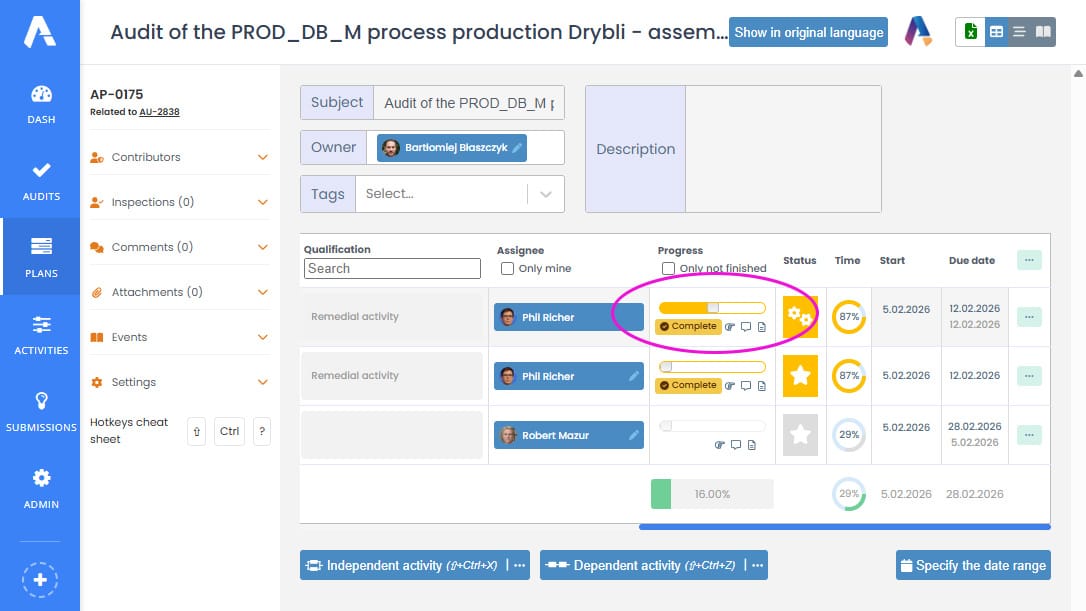
Thanks to this, for example, a person from the quality department can perform the role of Audit Manager at the level of the entire plant.
Improved table functionality in the audit report and schedule
Change
Web Platform (2.40)
More login options for Pulse
Change
Pulse (1.29)
2026